
Name-Based Case Searches
Minnesota Court Records Online (MCRO) Case Search is the free statewide tool. It covers Watonwan County court records. Pick Name from the tabs. Then choose Person or Business and enter the party name as the court filed it. The last name alone pulls a workable set for a person. First or middle names trim it down. Set the county-location list to Watonwan when you know it. A Date Filed range or a case category clears away unrelated matches. Be careful, though. A wrong date or category can bury the case you actually want. That is the tradeoff with filters.
- Open MCRO Case Search and select the Name tab.
- Choose Person or Business, then enter the exact filed name available.
- Choose Watonwan from the county locations and add a case category or filing date only when known.
- Use Find, review the list, and choose View Case Details for the matching Register of Actions.
| MCRO field | Type | Required | Watonwan search use |
|---|---|---|---|
| Last Name | Text | Functionally required | Use the filed spelling; a wildcard follows at least two characters. |
| First / Middle Name | Text | Optional | Try the full name, initial, or blank middle-name field. |
| Sounds Like | Checkbox | No | Broadens similar spellings and cannot be combined with a wildcard. |
| Court Locations | County selector | No | Select Watonwan rather than every statewide location when appropriate. |
One caution. A name result is only an index entry, so open Case Details before trusting any date, event, or disposition.
MCRO Tabs for Watonwan Case Searches
MCRO splits one big question into four smaller tools, and mixing them up wastes time. Case Search opens the file and its Register of Actions. Document Search takes a case number and hunts for public documents. Hearing Search targets a single scheduled court event. Judgment Search tracks docketed monetary judgments by debtor name. All four run on the same statewide system, yet none returns everything the others hold. For the full history of a Watonwan County court docket, Case Details is still the place to read. It gathers events and dispositions. Minnesota eFile and eServe sits apart from all of this. It is a filing-and-service platform for registered users, not another public case-search tab.
| MCRO channel | Best question | Watonwan use |
|---|---|---|
| Case Search | What file is this? | Open case information and the Register of Actions. |
| Document Search | Is a public document online? | Search the known Watonwan case number. |
| Hearing Search | When is the hearing? | Filter by Watonwan, name, case number, or attorney. |
| Judgment Search | Is there a monetary judgment? | Use debtor-name results with Case Details for context. |
The official MCRO landing page presents those statewide public-search choices.
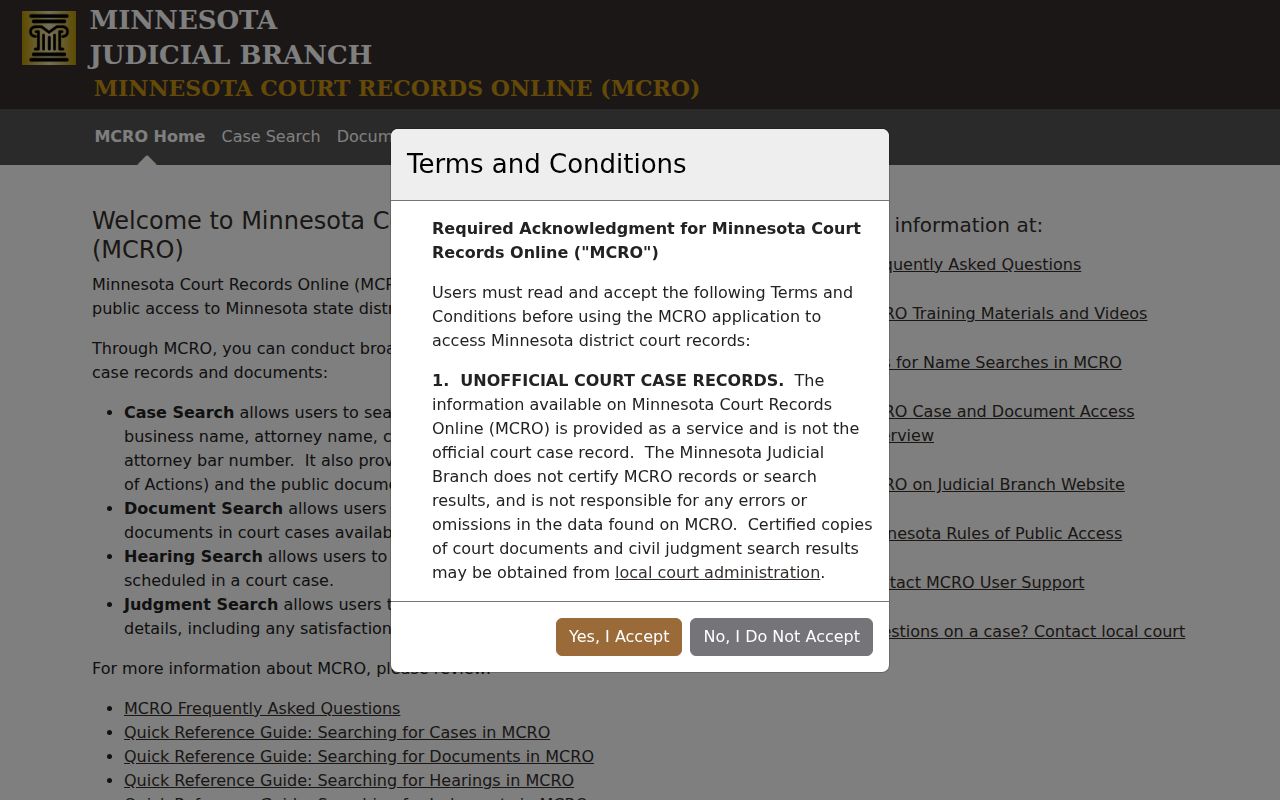
The split matters in practice. A hearing list or a judgment hit does not replace the Watonwan case register itself.
Case Number Searches
The fastest Watonwan case search runs on an exact number. Watonwan's prefix comes first. Then letters mark the case type. After that come year and sequence. A criminal file looks like 83-CR-YY-NNN. Civil, conciliation, family, probate, and juvenile files carry 83-CV, 83-CO, 83-FA, 83-PR, and 83-JV. Type the string exactly as printed, hyphens and letters included, with no spaces. The year and final sequence here are placeholders, not a real file number.
In MCRO, open the Case Number tab. Enter the full string. Hit Find. That same number speeds up document requests, courthouse terminal searches, and calls to Court Administration. It also sidesteps the guesswork that common names create in a docket search.
Watonwan Case Number Codes
That middle code hints at the division, nothing more. CR means criminal and CV means civil, while CO marks a conciliation matter. Family, probate, and juvenile cases carry FA, PR, and JV. Watonwan County keeps all of these district-court records in one unified court system. Their remote visibility can still differ under the access rules, so the code does not tell you what you can see online.
- Register of Actions
- MCRO's name for the chronological list of case activity, filings, hearings, and outcomes.
- Case Events
- The reverse-chronological event history within Case Details, often with an index number.
- Case category
- An MCRO filter for civil, criminal, family, or probate or mental-health results.
Watonwan Pending Criminal Case Searches
A defendant-name search will not surface a pending criminal case that ended without a conviction. Dismissed matters and cases continued for dismissal fall under the same wall. That wall is a search rule. It is not proof that a Watonwan County case does not exist. When the name route dead-ends, try the case number, citation number, attorney name, or attorney bar number. Court Administration can explain the public search and scheduling process if none of those is at hand. Staff cannot give legal advice or open a restricted file. The county's public calendar may be the next step worth taking for a Watonwan criminal docket. So may a courthouse terminal or a direct call to the clerk.
Case Search Results Explained
Once you select View Case Details, read Case Information first. The Register of Actions lists the case number, caption, case type, filing date, court location, judicial officer, status, citation number, flags, and related cases. Party Information sorts out who holds which role. Beyond that, other blocks may appear. They may cover charges, interim conditions, assignments, case events, hearings, dispositions, warrants, financial information, or a monetary judgment. Which blocks appear depends on the case type and the access rules.
| Case Information | File number, title, category, filing date, venue, judicial officer, status, and related cases. |
|---|---|
| Case Events | Newest-first event descriptions, document index numbers, and a document control when a public file is available. |
| Hearings | Past and upcoming date, time, location, officer, hearing type, and party connection. |
| Disposition / Financials | Recorded outcome, judgment details, and case-related balances where the record displays them. |
Treat MCRO results as unofficial. The portal does not certify them, and a certified copy of any Watonwan court record must come from Watonwan County Court Administration.
Watonwan Case Search Result Limits
MCRO caps results at 200 and lists the newest first. A long list proves nothing about which items actually match your Watonwan case search. Cut it down with the county selector. An exact name, a category, or a correct filed-date range works too. The Newest First and Oldest First controls help you walk the result set in order. Avoid the browser Back button inside MCRO. The Judicial Branch says to use the portal breadcrumbs. Use the Return to Search link instead.
A broad name search can hit the cap before your Watonwan entry ever appears. So add one reliable filter at a time.
Watonwan Case Search Session Timeout
Public access needs no MCRO registration. The catch is the clock. A session resets after 30 idle minutes, with a warning near the 28-minute mark. Keep the case number and search terms somewhere outside the portal. This matters most when you are comparing a hearing, a document, and the Register of Actions for one Watonwan court docket. Saved details make it easy to rerun the search after a timeout. You skip digging through browser history.
Two Ways to Search: County and State
Watonwan County fits inside one statewide tool rather than its own portal. Pick Watonwan in MCRO and the docket search simply points at the local district-court location. Just need an upcoming hearing? The Watonwan weekly public calendar PDF is often the faster stop. Open it in any PDF viewer and search by party, attorney, or case number. The county also posts a printed calendar outside its courtrooms and in public lobbies. Officials call that printed version the most current daily calendar.
| Channel | What it provides | When to use it |
|---|---|---|
| MCRO Case Details | Statewide case register and available public documents | Known case, name, citation, or full history question |
| MCRO Hearing Search | Scheduled hearing results and filters | Date, attorney, judicial-officer, or hearing question |
| Watonwan calendar PDF | Local public hearing rows | Quick party, attorney, or case-number check |
| Courthouse calendar / clerk | Most current local confirmation | A missing, moved, or time-sensitive hearing |
Watonwan PDF Hearing Case Search
For Watonwan County hearings, the Watonwan weekly public calendar is the fastest stop. It posts at 7:00 a.m. on business days and refreshes hourly. Search the PDF for a party, attorney, or full case number. The matching row then gives you the hearing date, time, courtroom if shown, judicial officer, hearing type, connection type, and case number. One caution: an entry missing here does not mean the hearing was canceled or reset.
The MCRO Hearing Search interface gives you a second official route into the court calendar, with search controls for name, case number, attorney, date, category, and location.
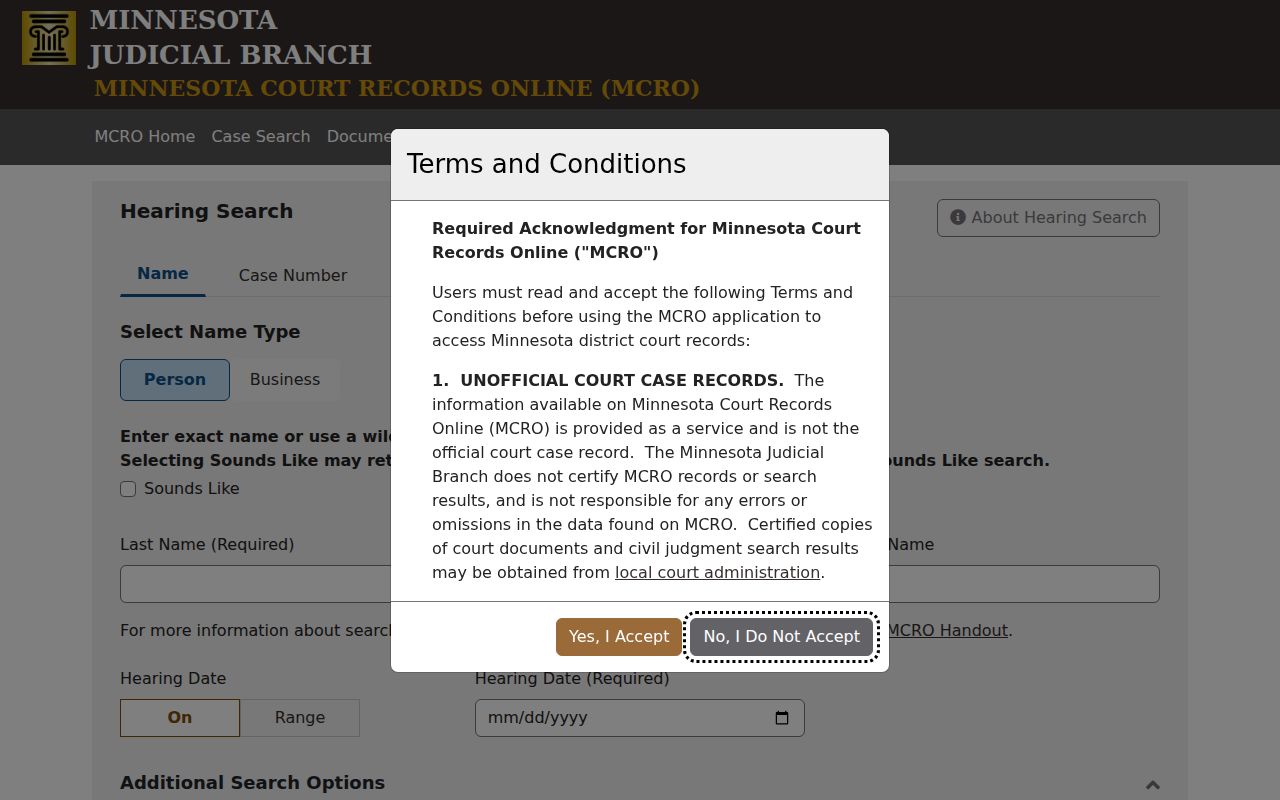
A single hearing row can be old or current. Compare the newest row against the calendar itself, then confirm with the clerk before relying on it.
Which Cases Stay Restricted
Remote results are deliberately narrower than a walk into the courthouse. Juvenile delinquency and child-protection name searches face limits. So do D-16 juvenile cases, CHIPS documents, domestic-abuse and harassment records, and public civil-commitment documents. Each has its own MCRO restrictions. Family case information may be public while many of its documents stay closed. Sealed, expunged, confidential, medical, identifier, and protected-address material can be absent or partly withheld. Coverage also runs thin for records filed before July 1, 2015. A missing result is not a finding that no record exists. Retry with an exact case number. Check the location and category controls. Then use the public-access terminal or ask Court Administration about the lawful access path. Identity must be verified for a party requesting a confidential nonsealed record. A sealed-record request goes through the state access form. It needs a judge's decision before any copies come out.
Watonwan Court Terminal Case Access
Every Minnesota district courthouse keeps a public-access terminal, usually called MNPAC. It reaches statewide electronic court records. When MCRO shows no public result or document, the Watonwan terminal is the deeper electronic layer. Paper sits at the counter too, where the clerk can reach locally stored public records. Bring the file number, party or caption, document title, and an approximate date. Then ask whether the item is on site, archived, electronic, confidential, or sealed.
The Judicial Branch's MCRO access information, the Watonwan District Court page, and the Court Administration listing each describe how local access works.
Need a public paper copy or a certified record? Call Court Administration at 507-621-6005, request it at the counter, or mail the county copy form or a precise letter to P.O. Box 518, St. James, MN 56081. When the problem is access itself or a correction rather than a copy, Rule 7 sets out the procedure to follow. If a request is denied, Rule 9 provides the appeal route.
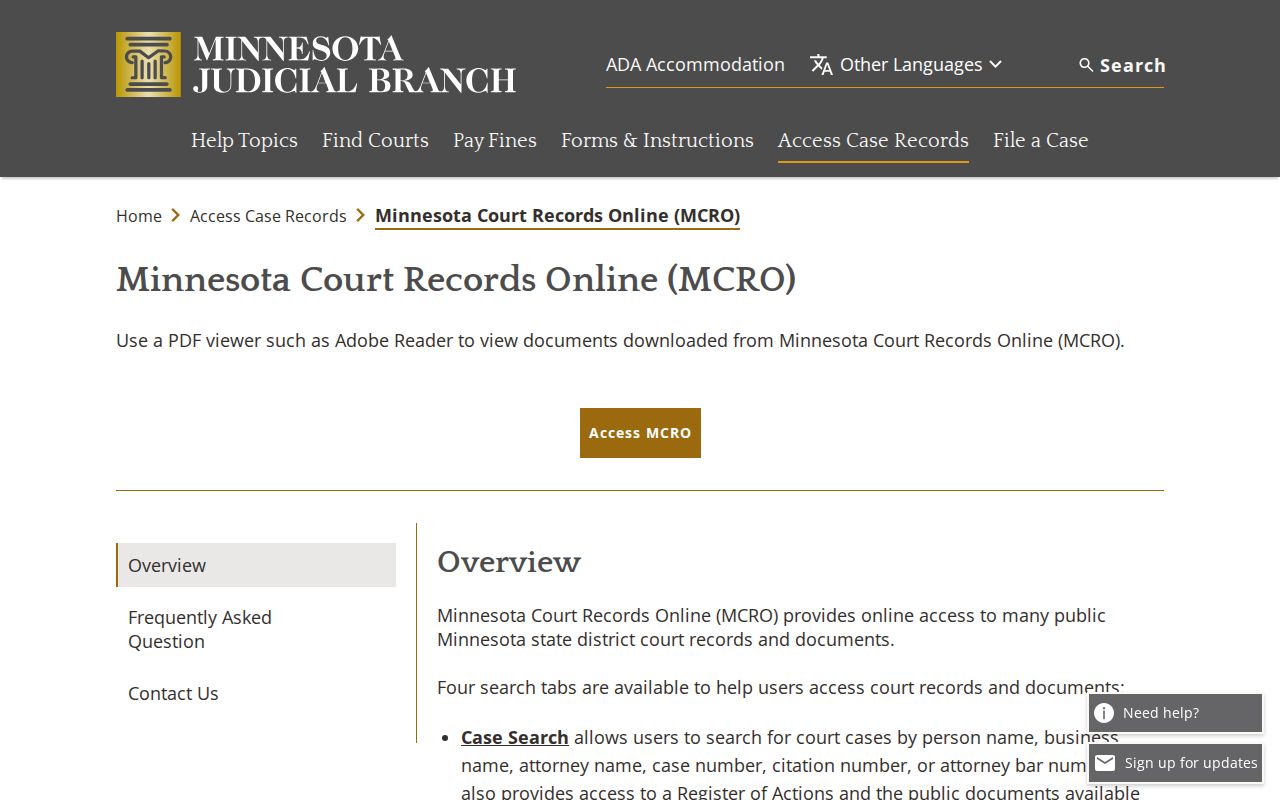
Watonwan sits inside the statewide system, yet courthouse access can surface public information the internet never releases.
Watonwan Judgment Case Search
MCRO Judgment Search covers only docketed monetary judgments, searched by debtor name. It is not a stand-in for Case Details. Nonmonetary outcomes, amendments, related events, and the complete disposition history live elsewhere. Need a certified judgment, a current balance, or a record absent online? Contact Watonwan County Court Administration. Do not treat a search display as the official record. The official judgment-search screen shows the dedicated debtor-name channel at work.
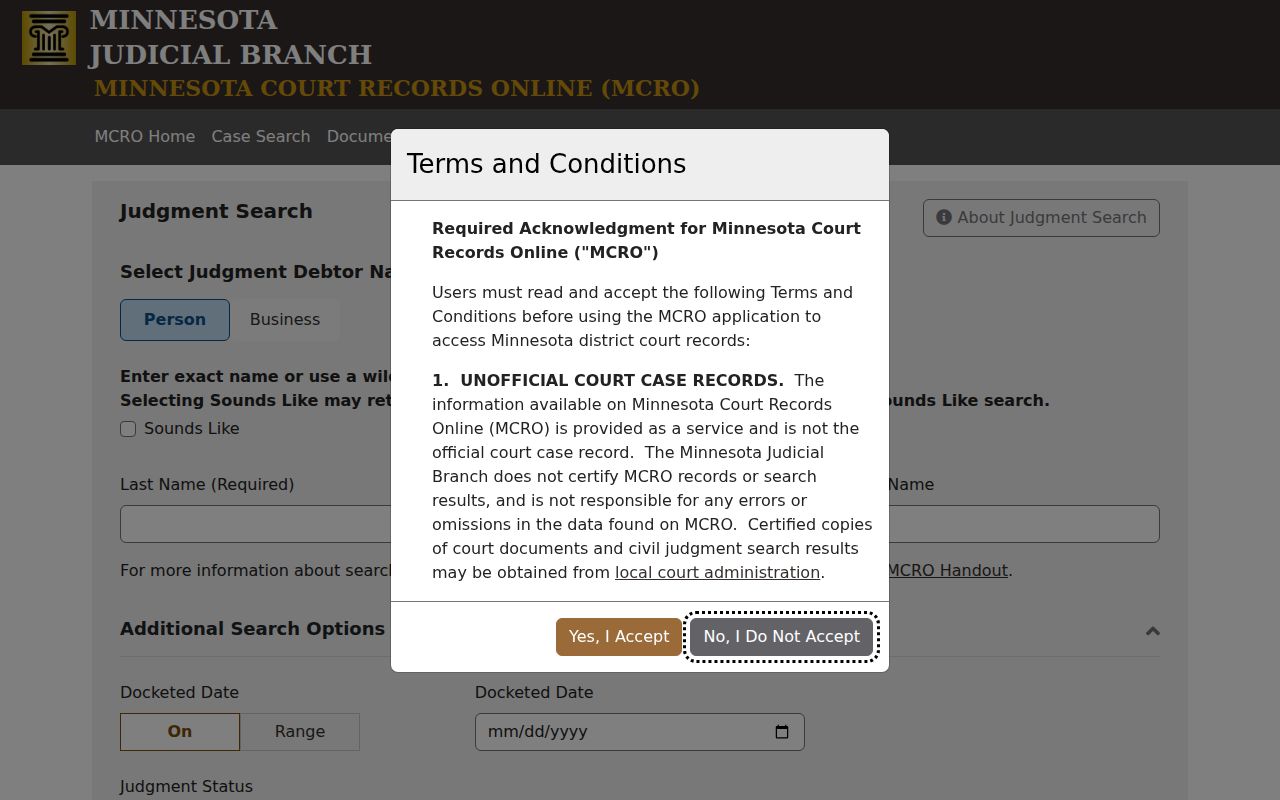
A monetary judgment hit is one case-record element, not a full substitute for the Watonwan Register of Actions. Note: For an error in MCRO case information, report the specific problem and file number to local Court Administration for review.