
Watonwan County Court Record Requests
Start with Minnesota Court Records Online (MCRO). It gives you the statewide public lookup, free of charge. You can pull the full file number and case title. So too the event name, the document index number, and the event date. MCRO also posts some public documents outright. A public item may not be online. The MNPAC terminal at the Watonwan courthouse can then show electronic public information that is not released remotely. Need certified copies or locally stored paper material? Court Administration is the office to contact, and it can help you choose the right request path.
- Search MCRO, then write down the exact Watonwan file number and the particular document or Register of Actions needed.
- Open an available public document link. Treat the download as unofficial rather than certified.
- If it is absent, inspect the public-access terminal or ask Court Administration whether the item is on site, archived, or restricted.
- Request a plain, certified, or exemplified copy in person, by mail, or through eFiling when appropriate.
- For a denied or incomplete access request, identify the record and ask the custodian to apply Rule 7 procedures.
A phone call works well for status questions or forms; call 507-621-6005. For contact routes, the Watonwan District Court page lists the local court, and the Court Administration listing points to the county records office. Copy requests go by mail too. Send the request or permitted payment to Court Administration, Watonwan County Courthouse, P.O. Box 518, St. James, MN 56081. If the county-specific copy form is unavailable, a letter will serve the purpose.
Watonwan Court Record Retrieval Channels
Each retrieval channel has its own job. MCRO is fastest for a public case register and documents already posted online. The public terminal reaches further into electronic public records than the remote system does. Have questions about off-site storage or certification? Go to the Court Administration counter for those and for local paper files. A mailed request makes sense when a trip to the courthouse is not practical. Minnesota eFile and eServe, known as eFS, is a system for filers. It is no substitute for a public record search.
| Channel | Use | Limit to remember |
|---|---|---|
| MCRO | Case details, Register of Actions, many public documents | Remote view is incomplete for some dates and case types. |
| MNPAC terminal | More complete public electronic courthouse view | Located at the courthouse; public access rules still apply. |
| Court Administration | Paper, off-site, certified, and request questions | Staff cannot give legal advice or bypass a restriction. |
| Mail / eFiling | Copy-request submission path when appropriate | Confirm the form, payment, and file-number instructions first. |
The Minnesota eFile and eServe overview shows the filing system eligible court filers use to submit and serve documents.
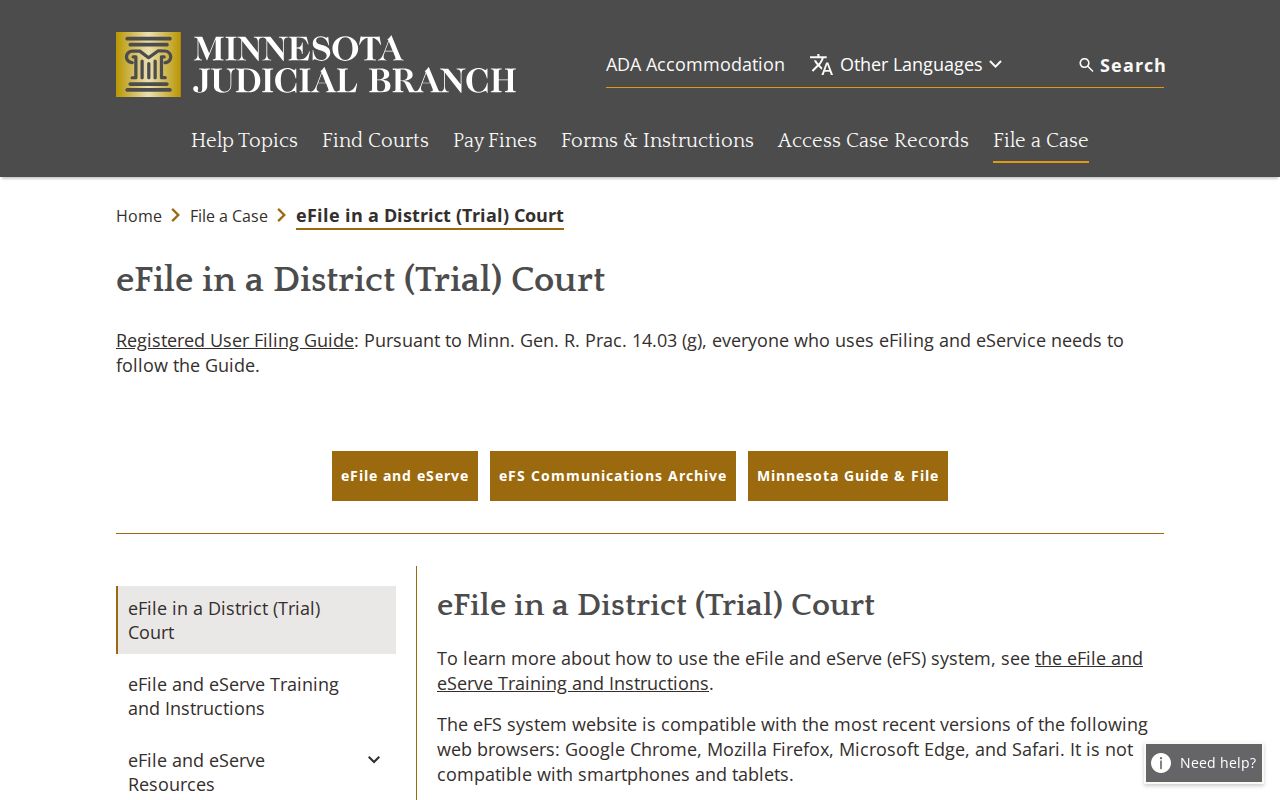
eFS handles filing and service only. For a Watonwan court record, a public requester should turn to MCRO, the terminal, or Court Administration.
Kinds of Court Records
Court Administration in Watonwan County receives, files, maintains, calendars, and certifies records for the Minnesota District Court. It handles civil, criminal, family, probate, juvenile, conciliation, and traffic cases. Inside a case file, useful items can include a complaint or petition, an answer, a motion, or an affidavit. An order, a judgment, a transcript of judgment, the docket register, or an eligible exhibit can appear as well. A courtroom transcript is different. It belongs to the court reporter. Court Administration can explain the process, but it does not automatically hold the reporter's transcript for counter copying. Public status follows the record itself, not just the case type. A document can sit in the file. Yet it may carry a nonpublic designation, need a redaction, or come with a separate access condition. Ask for the exact event or document. Do not request the whole file.
Watonwan Court Record Layers Compared
People call three different things a court record, and they are not the same. The Register of Actions is the public chronological index. It covers filings, hearings, events, and outcomes in a case. Filed documents are the actual pages behind an entry. Think of an order or a judgment. A certified copy is a clerk-authenticated version meant for official use. MCRO can show pieces of the first two layers. But it does not certify anything it displays.
- Register of Actions
- The case-event list that serves as a map to the court file.
- Filed document
- The actual pleading, motion, order, judgment, affidavit, or other document associated with a case event.
- Certified copy
- A Court Administration copy that carries the court's certification and is distinct from an online download.
Need the case identified before making a request? Run the Watonwan docket search first for the file number and event details.
Watonwan MCRO Court Document Access
MCRO's document coverage turns on two things: filing date and case type. Criminal and civil documents filed on or after July 1, 2015 are broadly available. Listed probate, guardianship, conservatorship, and trust materials are too. Family court and post-adjudication paternity coverage is thinner, mostly court-prepared orders, appellate opinions, and notices. Older remotely public material sits in a separate, narrower window. Anything MCRO does offer can be downloaded free, though never certified. For hearing dates rather than documents, the Watonwan calendar PDF is the local source. It is not a repository of filings.
An item can be public but not remote. Try the MNPAC terminal at the courthouse, or ask the clerk of court directly. Some records stay off MCRO document results entirely. These include public civil-commitment documents, domestic-abuse and harassment records, D-16 juvenile matters, and CHIPS documents.
One more wrinkle comes from the Judicial Branch eFS communication archive. Its notices explain that a document once accepted still belongs to the court file. A secure eFS link can hit an access problem.
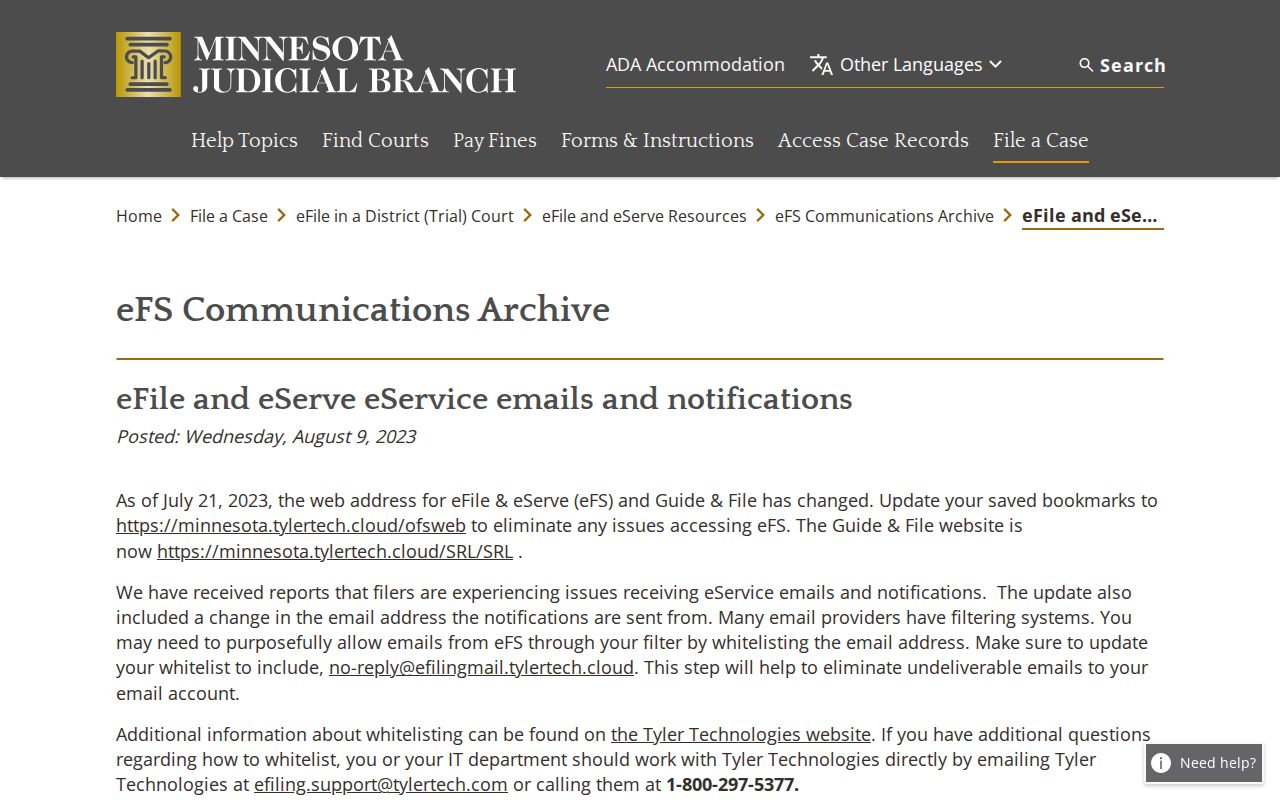
A broken eFS link does not mean the document vanished. A public MCRO search or a Court Administration inquiry can point you to the right access route.
Court Records: What They Contain
What a Watonwan record contains depends on which layer you request. Case Details may show the parties and case number. It may also show court location, filed date, assigned officer, events, hearings, dispositions, financial entries, and related cases. A single filed document carries only its own text and attachments. Certification confirms the clerk's authentication of the copy. It is not a fresh summary of the case. Name the target precisely so the office can pull the right material.
| Case identity | Case number, title or caption, case category, venue, filing date, and relevant parties. |
|---|---|
| Event trail | Document title, event description, index number, and date from the Register of Actions. |
| Hearing / outcome | Hearing details, order, judgment, disposition, or financial field when the requested record includes it. |
| Copy status | Plain, certified, or exemplified designation plus delivery or pickup preference. |
Watonwan Exact Court Document Requests
No form? A request letter works fine. Give the Watonwan clerk enough detail to pull the right file without a broad search. List your name, delivery address, and phone or email. Add the case title or party names as filed, the court file number if you have it, the exact document title and date, the copy type, and whether you want delivery or pickup. Statewide guidance adds one more item for criminal files: the defendant's date of birth or case number when the form calls for it. For a public order, skip vague asks. 'Judgment entered on [date]' beats 'everything in the file' every time.
| Requester details | Name, mailing address, city/state/ZIP, phone, and email or other delivery contact. |
|---|---|
| Case details | Filed party names, case number, case type, and criminal date of birth when the request form calls for it. |
| Requested material | Document title, event date or index number, and any comments needed to identify it. |
| Format / delivery | Plain, certified, or exemplified copy plus pickup or delivery choice and payment instructions. |
The official form inventory shows the statewide court forms, so start there. Watonwan copy requests may still need the county-specific form, which the copy-request directory or Court Administration can supply.
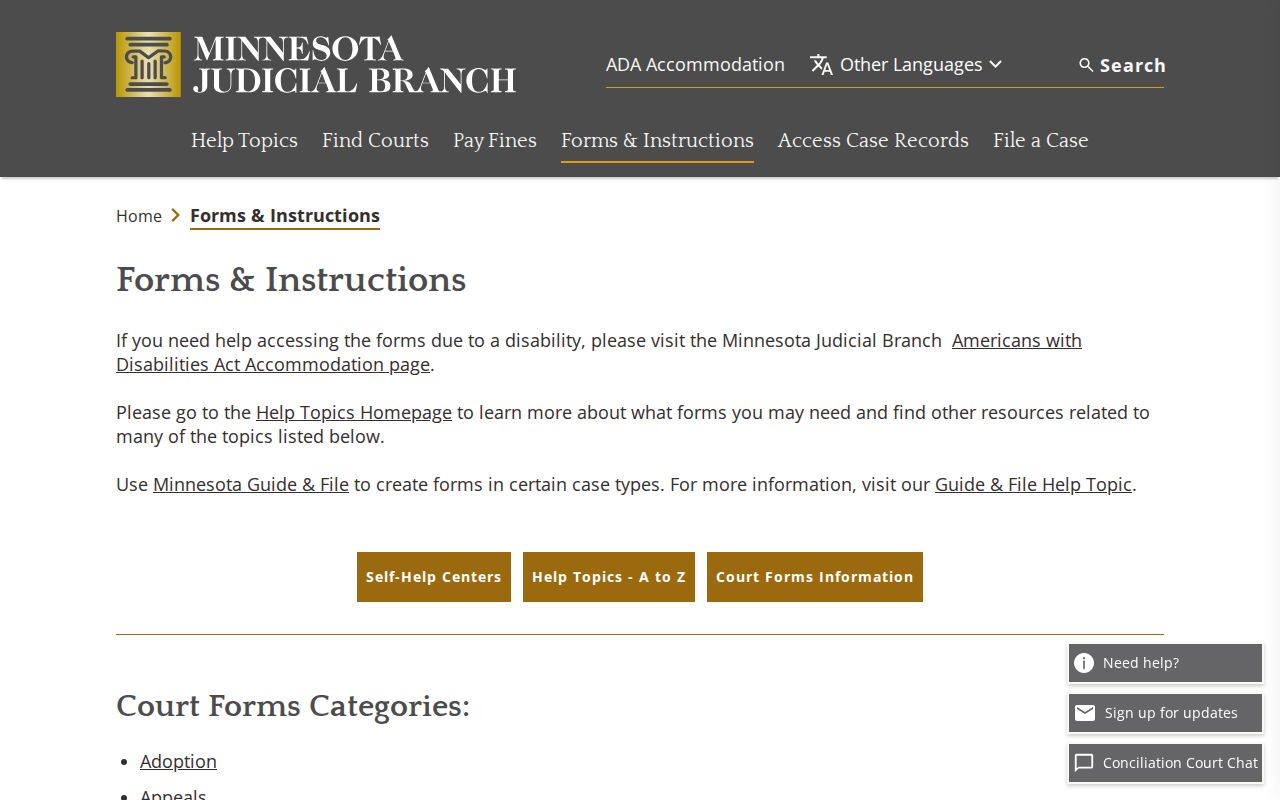
A precise request keeps a document-copy order distinct from a filing form or an eFS action. Note: Call first to confirm the file is on site. Archived, multiple-file, or redaction-heavy requests take longer.
Watonwan Court Reporter Record Requests
A courtroom transcript comes from the reporter, not the clerk's copy desk. Watonwan lists no reporter name, transcript rate, deposit, or turnaround. Contact Court Administration with the hearing date and case number. Staff can tell you which reporter holds the proceeding. Exhibits are their own matter. A named exhibit may carry its own filing, return, storage, or access status, so ask for it by name rather than assuming it rides along with the docket.
Copy Fees and Certification
Free is the starting point in Watonwan. The fee page lists plain copies and available MCRO documents at no charge. Certification costs money. Court Administration lists $14 for a certified civil or criminal instrument, a certified MNCIS printout, a certified scan, or a certified screen print. An exemplified and certified copy runs $28. Before paying, confirm the exact item and current amount, since a multi-page report, fax, scanning, or a judgment search can change the math under the local page's calculation notes.
| Watonwan copy item | Displayed fee | Record note |
|---|---|---|
| Plain instrument or MNCIS printout | $0 | Public plain copy; MCRO downloads are also free when available. |
| Certified instrument or MNCIS printout | $14 | Clerk-produced certified court record. |
| Exemplified and certified copy | $28 | Verify the exact request with Court Administration. |
| MNCIS report, 1 to 50 pages | $5 | Paper or email report; larger reports are $25 per 50 pages or part. |
| Scanning or fax | $25 per 50 pages or part | Applies when this service is requested. |
Watonwan Archived Court Files
Older Watonwan civil and criminal records turn up in paper. They also sit on microfilm, in off-site storage, or in archival collections. The Minnesota Historical Society finding aid describes interfiled Watonwan District Court collections. So an archival channel exists. Still, confirm local custody before assuming anything. A district-court record may also have been destroyed under the record-retention schedule. So if a docket search online comes up empty, do not give up. Ask the clerk a focused question about the specific file, record type, and approximate date.
Access Rules for Court Records
Minnesota starts from a presumption that court records are public. The Rules of Public Access and other law set the limits. Remote viewing is not the same as courthouse inspection. Rule 4 identifies protected categories. Rule 8 governs inspection, copying, bulk distribution, and remote access. Juvenile and CHIPS files may be withheld. So may some protection-order and harassment material, medical and other confidential data, sealed or expunged records, and protected identifiers, all from a public remote result.
Access rule path: Rule 2 states the general public-access policy. Rule 7 provides the request or correction procedure, while Rule 9 provides an appeal path after a denial. Minn. Stat. § 13.03 is the broader state public-data context, though Judicial Branch rules primarily govern individual court records.
Watonwan County Court Administration
Custodian for Watonwan district-court civil, criminal, family, probate, juvenile, conciliation, and traffic records.
710 Second Avenue S., St. James, MN 56081
P.O. Box 518, St. James, MN 56081
507-621-6005
Monday through Friday, 8:00 a.m. to 4:30 p.m.
Watonwan Sealed Record Requests
Never ask a clerk to disclose a sealed record off the record. A party seeking a confidential nonsealed record must verify identity first. Sealed or confidential requests use a set process. It is the Request for Access to Confidential or Sealed Record, and a judge decides access before any copy request can proceed. Adoption records use a separate access form. If MCRO returns nothing, retry the exact case number. Then use the lawful courthouse or Rule 7 path rather than assuming the case is public.
Watonwan Court Rule Access Appeals
Denied? Ask Court Administration for the stated basis and keep the specific record description. Rule 9 supplies the appeal path from an access denial. Watonwan posts no local appeal form or deadline. For an apparent MCRO data error, report the case number and issue to Court Administration. Individual file access stays with the local custodian. An aggregate data request follows the State Court Administrator or data-dashboard process. The official eFS landing page shows the separate filing-and-service platform reserved for registered court filers.
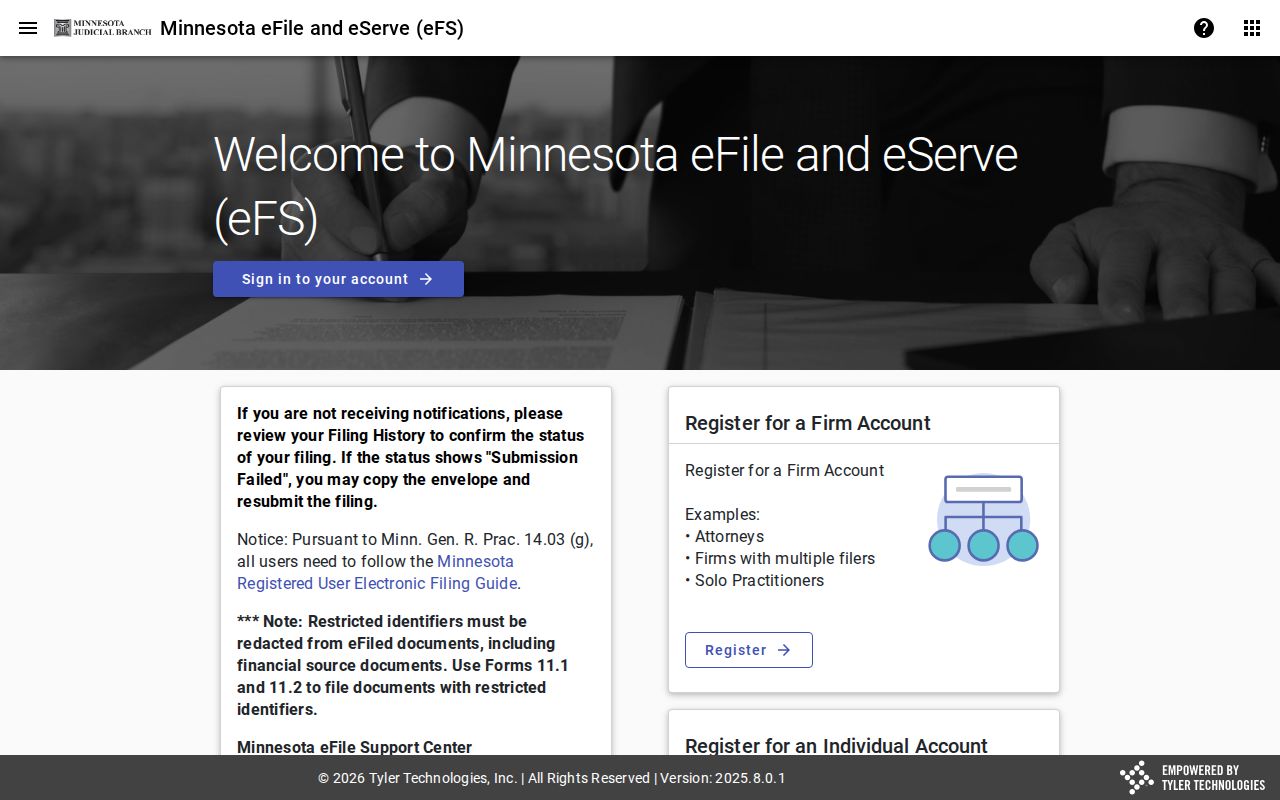
For the public, the path stays the same: MCRO, courthouse access, and Court Administration. Even a party filing through eFS changes none of that.